
はじめに
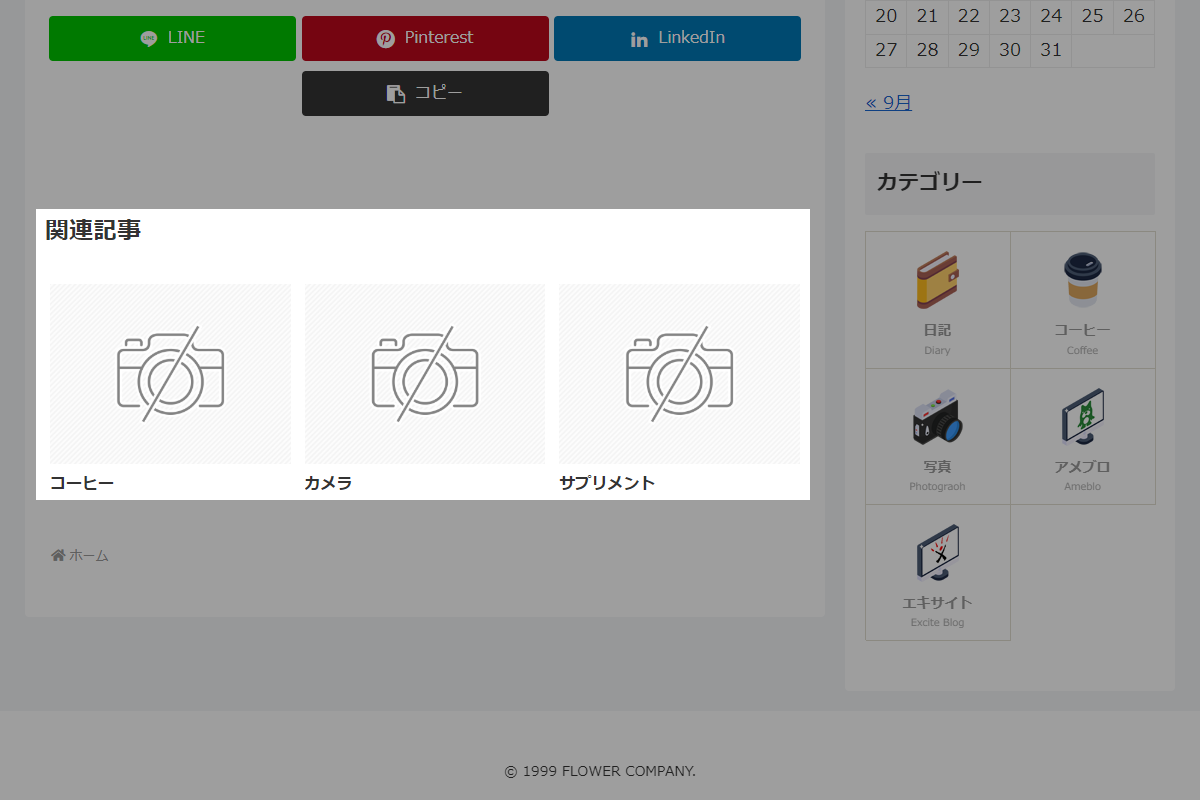
プラグイン「VK All in One Expansion Unit」などを使わずに、固定ページに子ページを関連記事として表示します。
このとき、表1の設定に従います。
この記事では、この方法について説明します。
| 設定 | 大項目 | 項目 | 設定値 |
|---|---|---|---|
| 投稿 | 関連記事設定 | 表示 | |
| 関連記事見出し | |||
| 表示タイプ | |||
| 枠線の表示 | |||
| 最大自動生成抜粋文字数 | |||
| 投稿関連情報の表示 |

完成イメージ
実装手順
以下のコードをfunctions.phpに追加します。
// テンプレート(本文)の後ろに追加
add_action('cocoon_part_after__tmp/content', function () {
  if (is_page()) {
    $query = new WP_Query([
      'no_found_rows'  => true,
      'post_parent'    => get_the_ID(),
      'post_type'      => 'page',
      'posts_per_page' => 1,
    ]);

    // 子ページの存在を確認
    if ($query->have_posts()) {
      cocoon_template_part('tmp/related-entries');
    }

    wp_reset_postdata();
  }
});


// 関連投稿クエリを変更
add_filter('get_related_wp_query_args', function ($args) {
  if (is_page()) {
    $args = [
      'no_found_rows'  => true,
      'post_parent'    => get_the_ID(),
      'post_type'      => 'page',
      'posts_per_page' => -1,
    ];
  }

  return $args;
}, 20);
